An AI assistant that runs on your Mac.
Anything important waits for your approval.
One download, two apps: Yana (chat, terminal, plugin store) and Yana Studio (a code editor on Code-OSS) that opens from Yana in its own window. Use any model, including ones running on your own machine.
macOS Yana 1.1.1
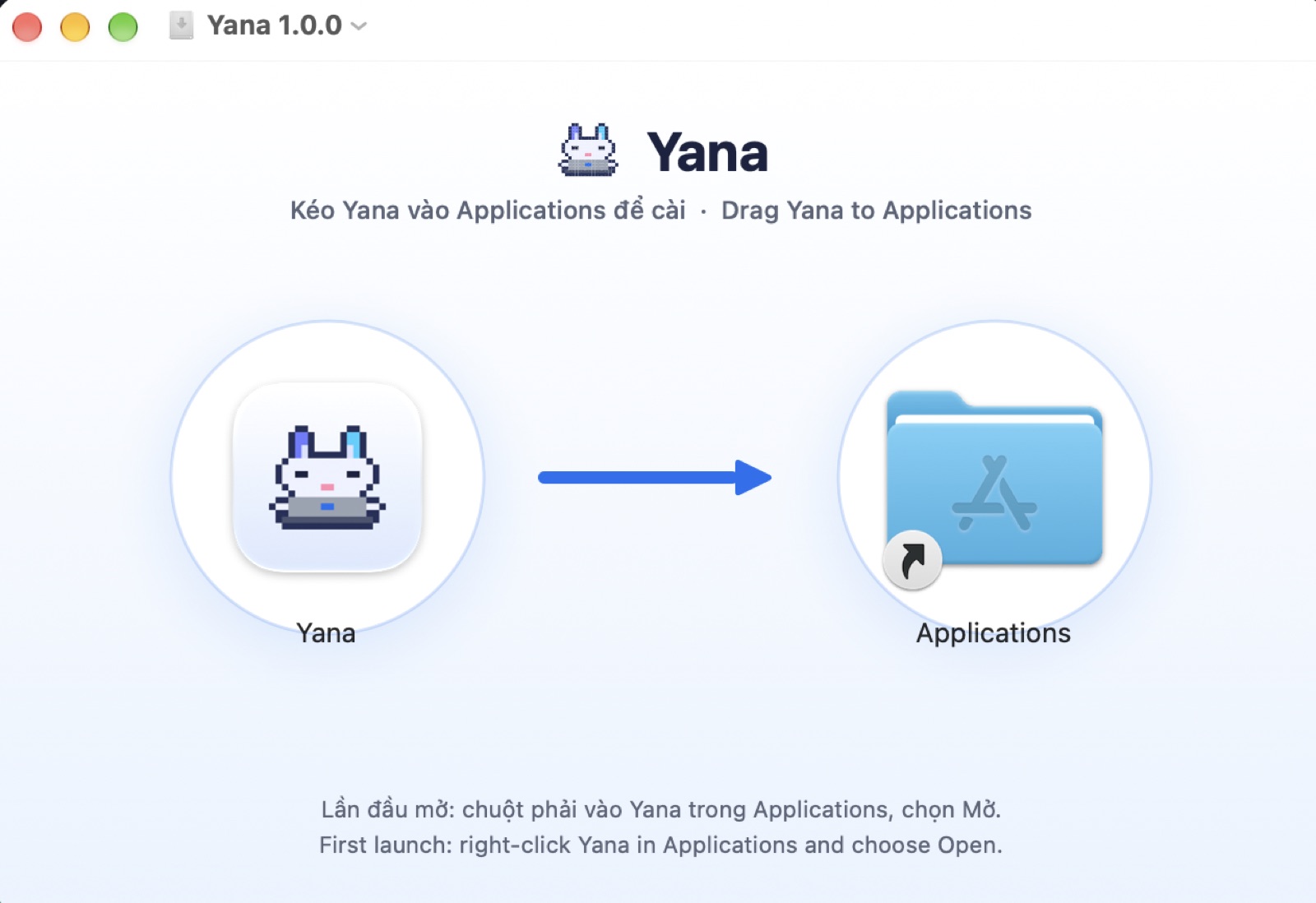
For Macs with Apple silicon (M1 and later) running macOS 14 Sonoma or newer. Open the .dmg and drag Yana into Applications. Yana Studio is already inside, nothing else to install.
WHAT'S NEW
New in 1.1
📊 Menu bar and background
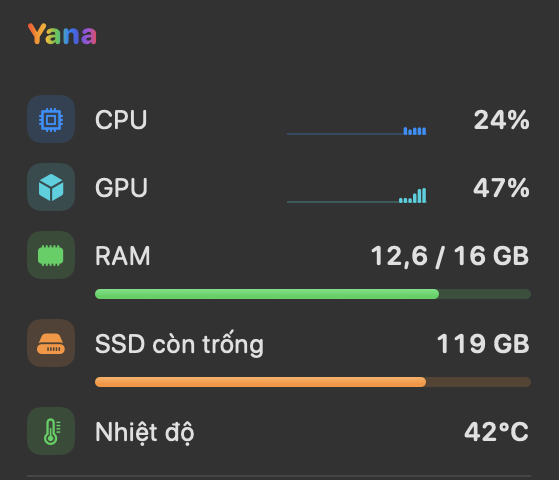
Click Yana in the menu bar for CPU, GPU, memory, disk, temperature and both apps. Closing the window keeps Yana running; ⌘Q quits.
🖼️ A wallpaper for Studio
50 animated scenes behind the interface, or your own picture or video.
🔗 The two apps connect
Open Studio on the folder you are in. An API key saved once works in both. Chat histories stay separate.
🐇 Notch
Music, Claude Code and Codex working or waiting for you, a file shelf, clipboard and timers.
✅ Auto Mode
Works with yana-rt 1.5.6 or later. A build or test runs project code with your full rights.
⬆️ Updates inside the app
From 1.1.0, press Update and the app downloads and reopens. On 1.0.0, open the .dmg and press Cap nhat Yana.app.
SCREENSHOTS
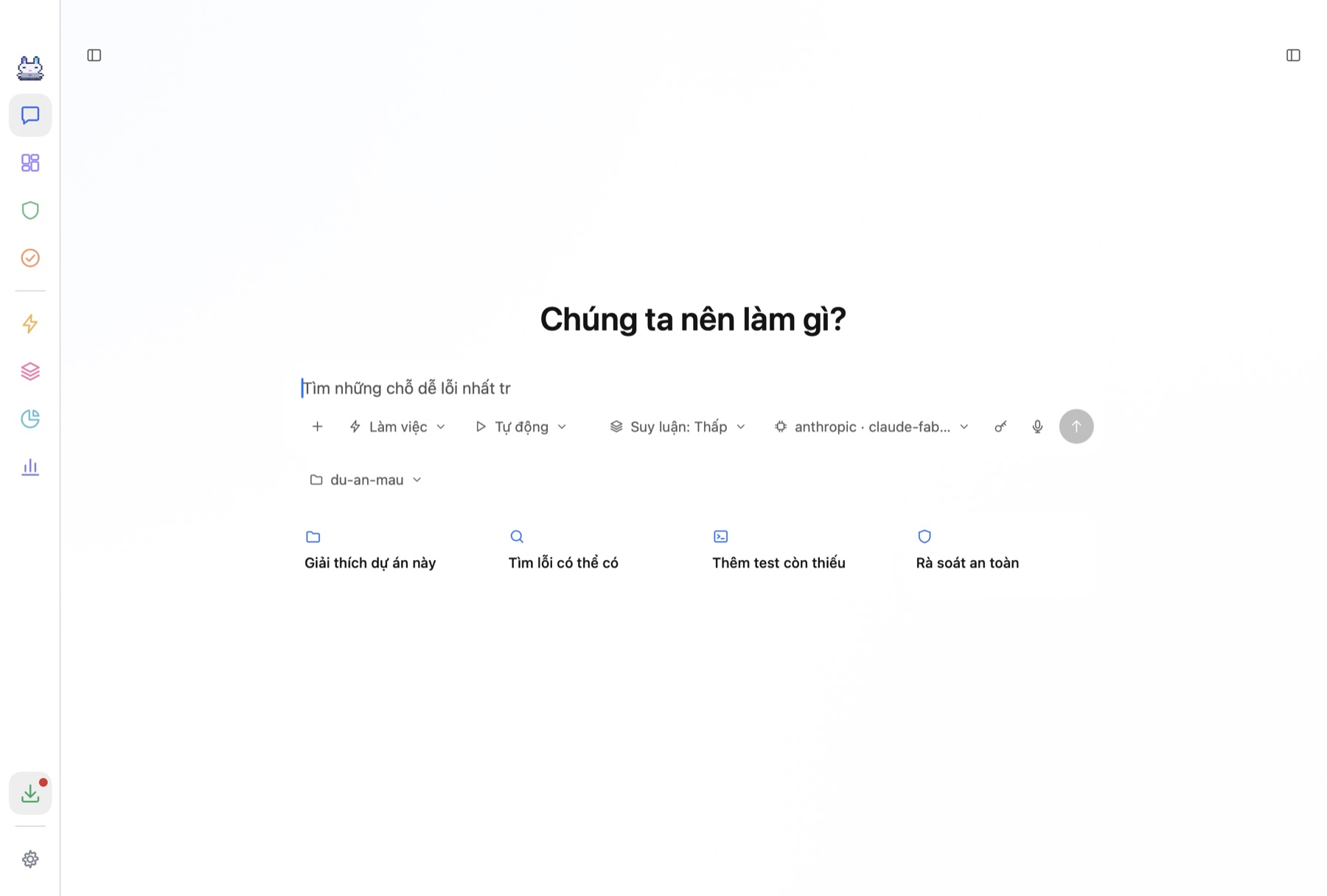
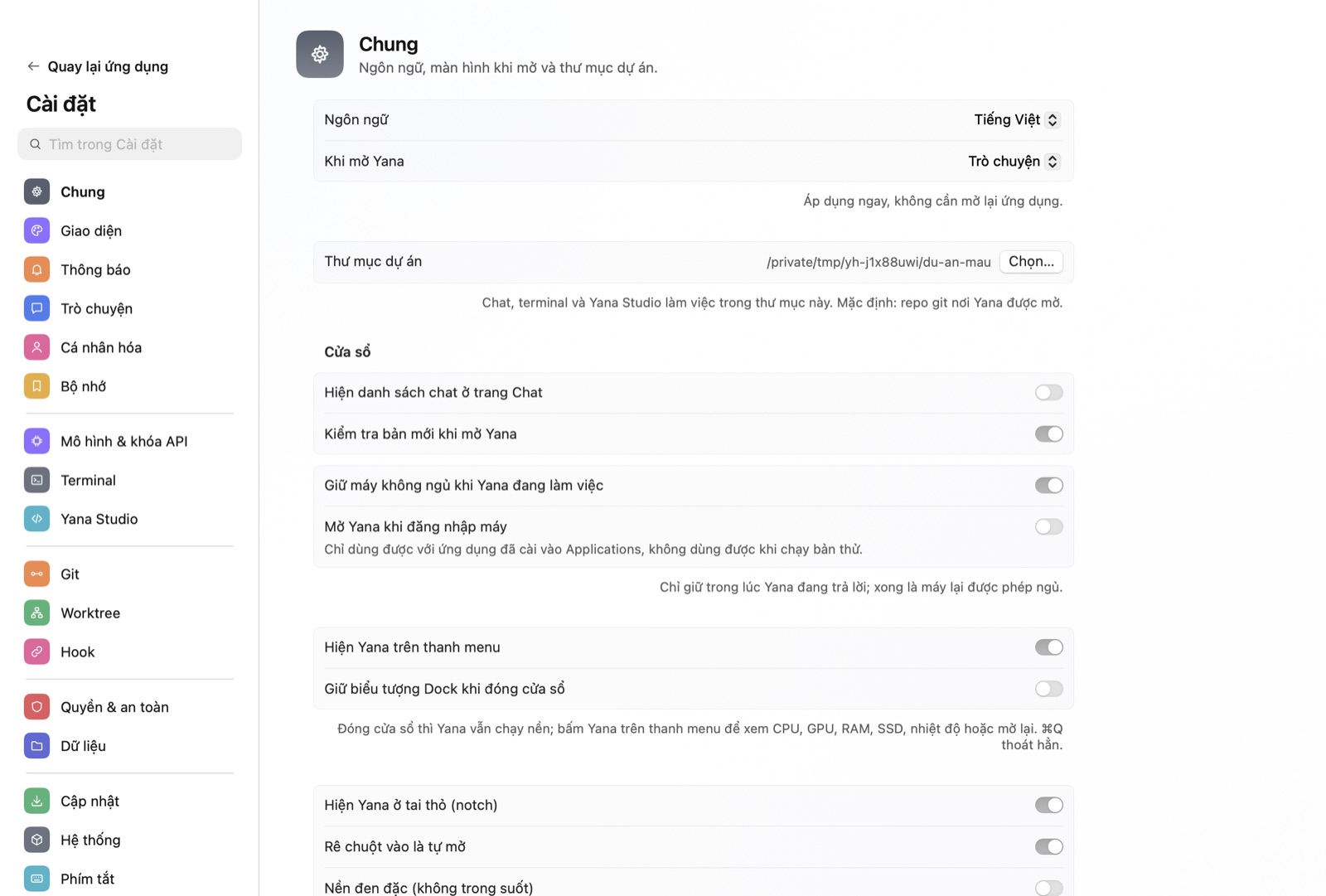
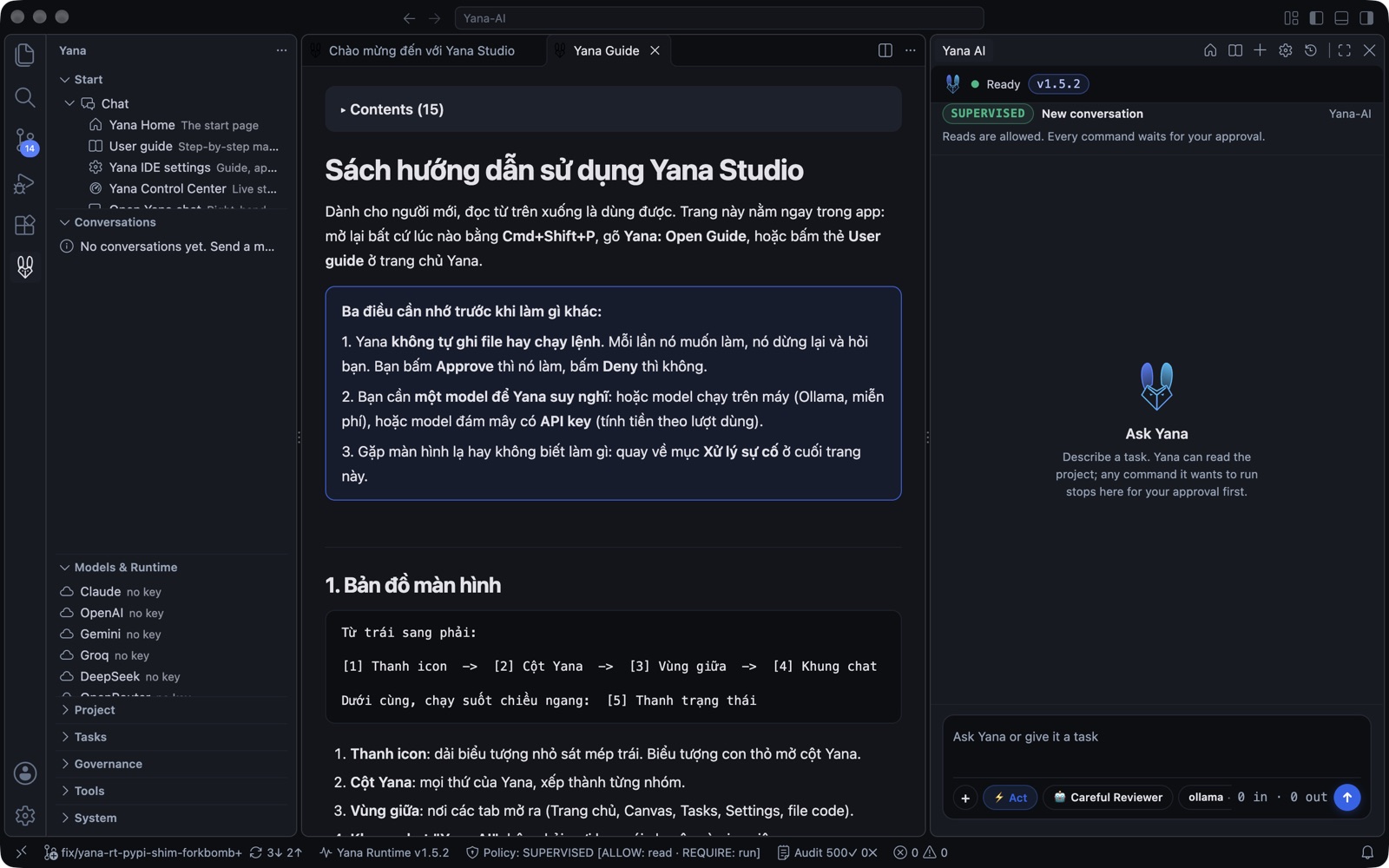
What Yana really looks like
CURRENT RELEASES
Three parts, three separate version numbers
Yana (the app), yana-rt (the Rust runtime) and yana-ai (the PyPI package) are released independently, so their version numbers do not have to match. The numbers below are read live from GitHub, crates.io and PyPI each time you open the page.
Yana
The macOS app with Yana and Yana Studio. Release tags look like app-v….
yana-rt
The Rust runtime that runs chat turns and gates what the AI may do. Installed and updated apart from the app.
yana-ai
The repository guard: safety rules, hooks and commands for AI agents.
Yana checks all three in Settings → Update and can install yana-rt and yana-ai for you inside the app. If an API does not answer, the page keeps the last numbers it knows.
CLI & REPOSITORY TOOLS
Install the command-line tools (PyPI & Cargo)
These two tools work on their own and do not require the Yana app. Use them to add safety rules and monitoring to your repository.
yana-ai: an AI guard for your repository
Install the Python CLI for safety rules (Truth Gate, Action Gate), slash commands and drift checks before an AI edits your code.
yana-rt: runtime and terminal
Yana's core runtime: streaming chat with a local model (Ollama) or a cloud one, every command waits for your approval.
🔒 First launch on macOS
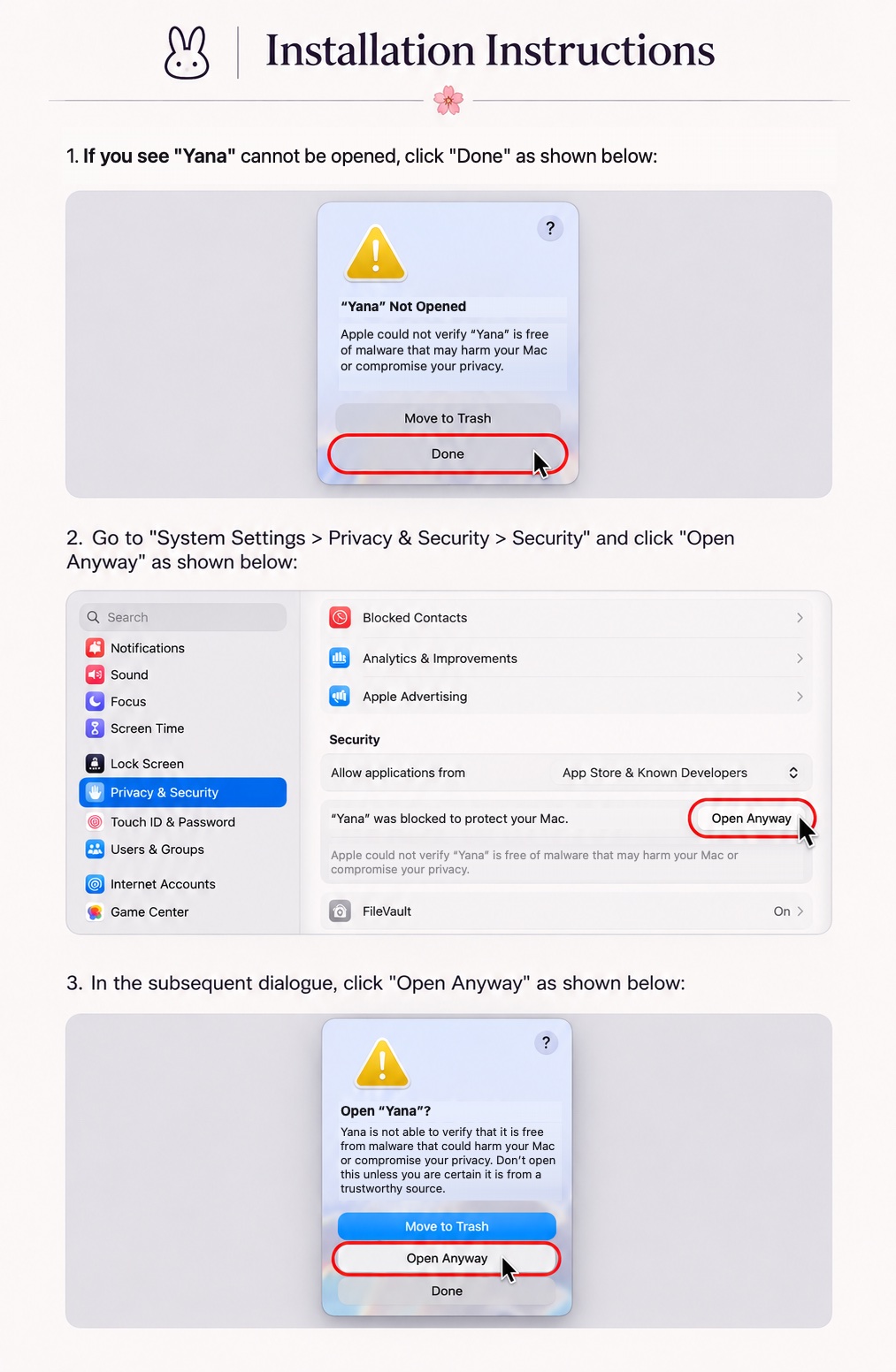
The first time, right-click (Control-click) Yana in Applications and choose Open. The app is signed ad-hoc and not notarized by Apple, so macOS warns once. If it was already blocked: System Settings → Privacy & Security → Open Anyway.
🧩 Studio comes inside Yana
Yana Studio lives inside Yana.app and updates together with Yana; there is no separate download anymore. Click Code editor in Yana to open it.
🦙 AI on your own machine
Use offline models through Ollama, or cloud models with your own API key. API keys are kept in the macOS Keychain.